
Referring made simple.
Turn a conversation into a proper introduction: one group text to your customer and a trusted professional, with both contact cards included.
Coming soon to the App Store and Google Play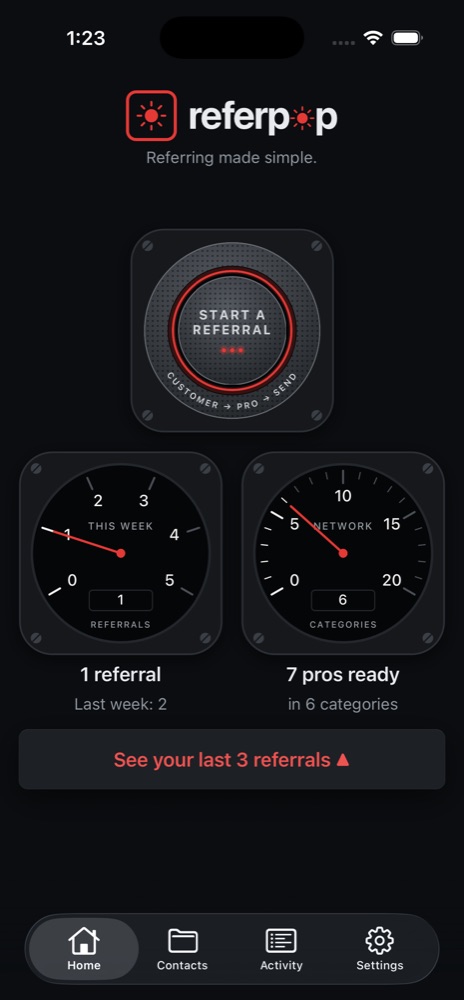
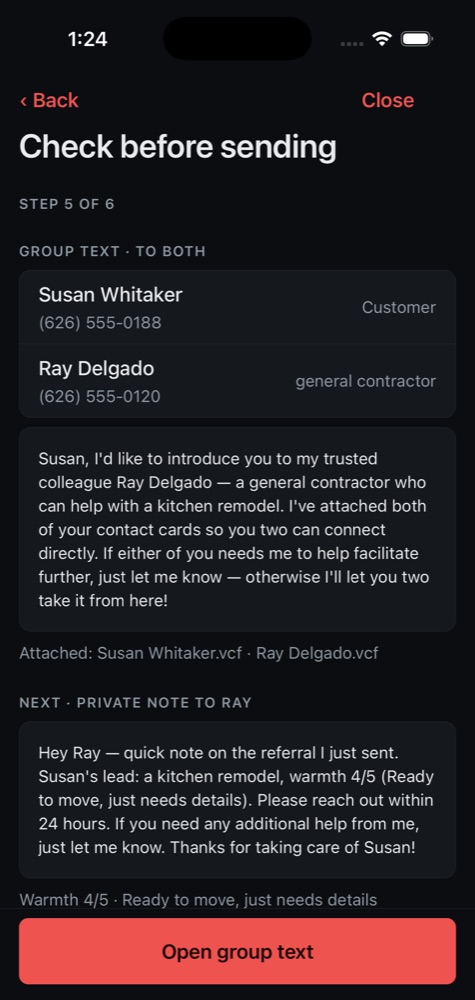
- 1Pick the customer from your contacts.
- 2Pick the professional from your group.
- 3Your phone opens a group text, already written. You read it and tap Send.
Nothing is sent without you. Your list stays on your phone.